What is Plugin Troubleshooting?
Plugin Troubleshooting is the systematic process of identifying, diagnosing, and resolving issues that prevent WordPress plugins from functioning correctly. It involves testing plugin compatibility, checking error logs, disabling conflicting plugins, and applying fixes to restore normal website operation and performance.
TL;DR: Diagnosing and fixing WordPress plugin problems to restore website functionality.
Key Takeaways About Plugin Troubleshooting
- Plugin conflicts occur when two or more plugins interact negatively, causing errors or site crashes.
- Deactivating plugins one at a time helps isolate which plugin is causing the problem.
- Error logs and debug mode reveal technical details needed to fix plugin issues quickly.
- Regular updates and compatibility checks prevent many common plugin problems before they start.
- Professional troubleshooting saves time and protects your site from data loss or security risks.
Understanding Plugin Troubleshooting: Definition and Context
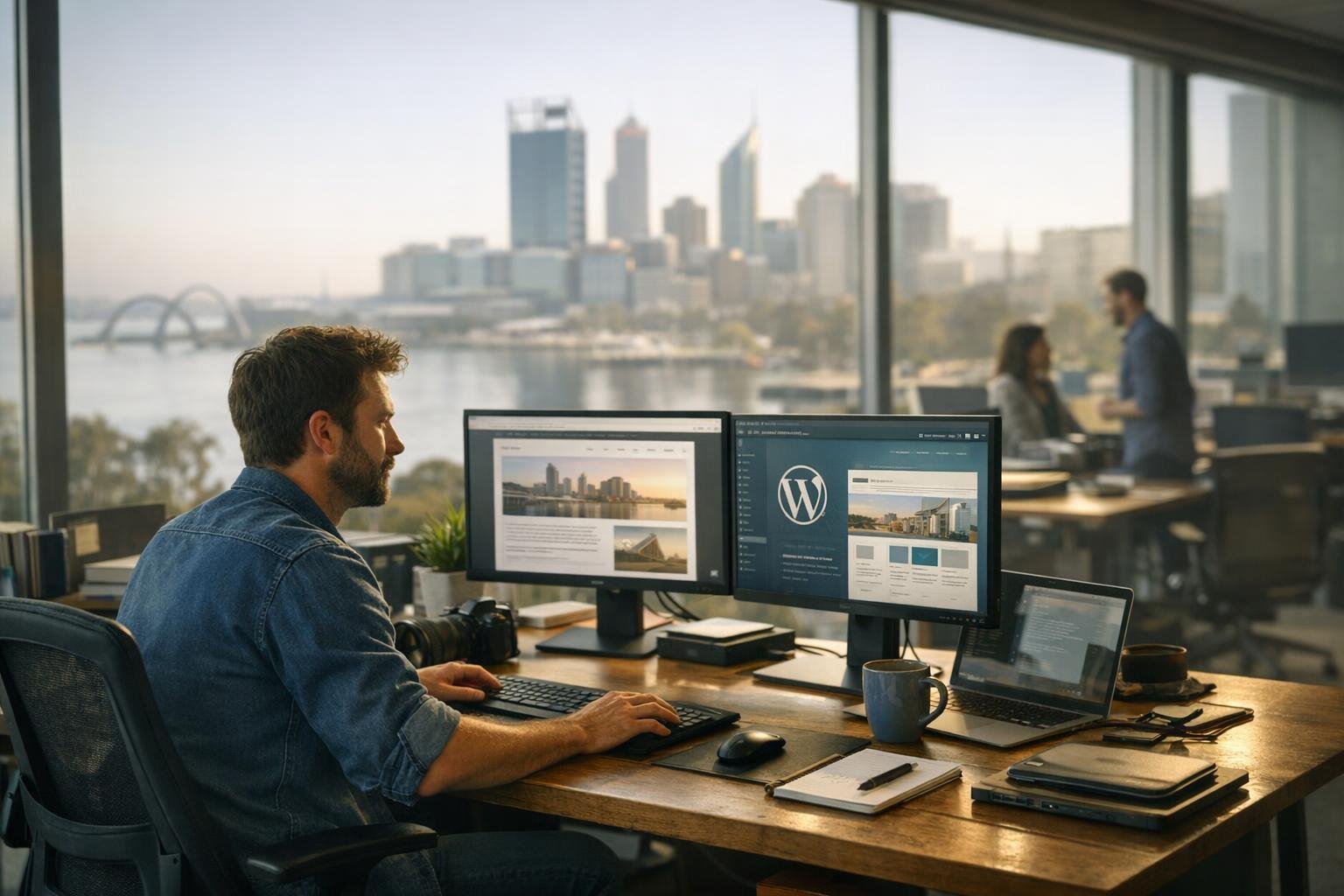
Plugin Troubleshooting is the systematic process of identifying and diagnosing issues. It resolves problems that prevent WordPress plugins from functioning correctly. It involves testing plugin compatibility and checking error logs. It also means disabling conflicting plugins and applying fixes. These steps restore normal website operation and performance.
WordPress plugins extend website functionality by adding features. These include contact forms, e-commerce tools, SEO optimization, and security enhancements. But plugins can sometimes conflict with each other. They can become outdated or contain bugs. These issues cause errors, slow performance, or site crashes. Troubleshooting requires a methodical approach to pinpoint the root cause. Then you can put in place an effective solution.
Common plugin issues include white screen errors and broken functionality. Slow page load times, database errors, and incompatibility also happen. These occur with WordPress core updates. Effective troubleshooting combines technical knowledge with practical testing methods. This restores website stability and user experience.
Why Plugin Troubleshooting Matters for WordPress Web Design Customers

For website owners and businesses in Perth, plugin problems directly impact revenue. They damage user trust and search engine rankings. A malfunctioning contact form loses customer inquiries. A broken payment gateway prevents online sales. A slow-loading plugin damages user experience and SEO performance. Professional plugin troubleshooting minimizes downtime. It prevents costly data loss or security breaches.
Understanding plugin troubleshooting helps customers make informed decisions. You'll know which plugins to install and when to update them. You'll learn how to maintain website health. It also clarifies why professional WordPress support is valuable. Experienced technicians resolve complex plugin issues faster. They're better than trial-and-error approaches.
How Plugin Troubleshooting Fits Into WordPress Web Design Services in Perth
At WordpressWebDesignPerth, plugin troubleshooting is a core component. It's part of ongoing WordPress support and maintenance. Our team diagnoses plugin conflicts and updates incompatible plugins. We remove problematic code and implement best practices. This prevents future issues. We monitor plugin performance and test compatibility. We do this after WordPress updates. We recommend reliable alternatives when necessary.
Are you experiencing sudden website errors? Or gradual performance decline? Our troubleshooting service restores functionality quickly. We document solutions for your records. This proactive approach keeps your Perth-based business website running smoothly. It protects your online presence and customer relationships.
Plugin Troubleshooting in Practice: A Real-World Example
A Perth-based e-commerce store suddenly displays a white screen after installing a new inventory plugin. The store owner cannot access the admin dashboard or checkout page. Our troubleshooting process involves enabling debug mode, reviewing error logs, deactivating the new plugin to confirm it's the cause, checking for conflicts with the payment gateway plugin, and either updating the inventory plugin or finding a compatible alternative. The store is back online within hours, with full functionality restored.
Sources & Further Reading on Plugin Troubleshooting
WordPress Web Design Services Related to Plugin Troubleshooting
Frequently Asked Questions About Plugin Troubleshooting
How long does plugin troubleshooting typically take?
Simple plugin issues may resolve in 15-30 minutes, while complex conflicts involving multiple plugins can take 1-3 hours. Professional troubleshooting is faster than DIY attempts because experienced technicians know exactly where to look and which tests to run first.
Can plugin troubleshooting cause data loss?
Professional troubleshooting follows safe practices like creating backups before making changes and testing in staging environments. However, improper troubleshooting by inexperienced users can damage your site. Always backup your database before attempting plugin fixes yourself.
What's the difference between plugin troubleshooting and plugin updates?
Plugin updates add new features and security patches, while troubleshooting fixes current problems. Updates often prevent issues, but troubleshooting solves problems that already exist. Both are important for maintaining a healthy WordPress website.
Have Questions About Plugin Troubleshooting?
Contact our wordpress web design experts in Perth for professional guidance.